 Back to Jake's RuneScape main page.
www.jake.thewestlings.com
RuneScape Chat Effects (Word Art)
What do I mean by Chat Effects?
Chat Effects in RuneScape is typing something in public chat and making the words change in some way, weather it is by moving or by changing its color. There are all types of Chat Effects you can do in RuneScape and I am going to list all of them here for your viewing.
How to Get Chat Effects to Work
Well if you have used Chat Effects before in RuneScape and have recently thought it was deleted with a new update you are wrong. This happened to me, but all you have to do is go to the tools in RuneScape and press the button that says Chat Effects. Also to get Chat Effects to work you type the words BEFORE what you want to say. You will see what I mean in the next section.
Chat Effects List
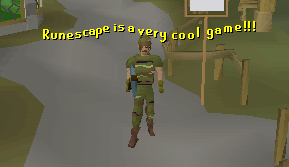
Here is the list of chat effects in RuneScape. I will list what you have to type, a brief desription of what it does, and then a picture of what it does. Remember you have to type these before what you want to say in public chat. Note:These do not work in private chat. You must type the : after the Chat Effect. For example, if you want your font to be cyan, you have to type cyan:blah blah blah blah blah. When combining chat effects, put the color first then the movement.
COLORS
Cyan
Pretty self explanatory. Turns your font color cyan (light blue).
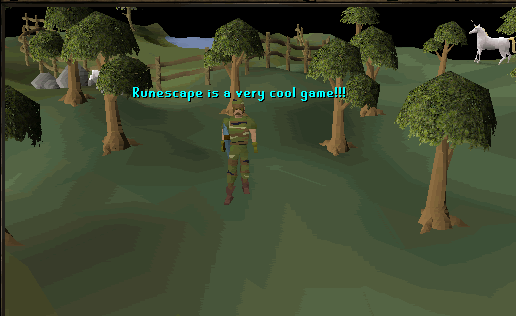
Green
Turns your font green.
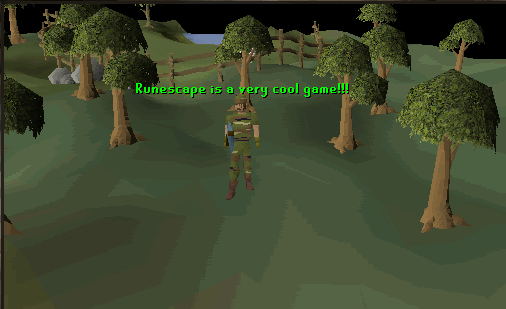
Purple
Turns your font purple!
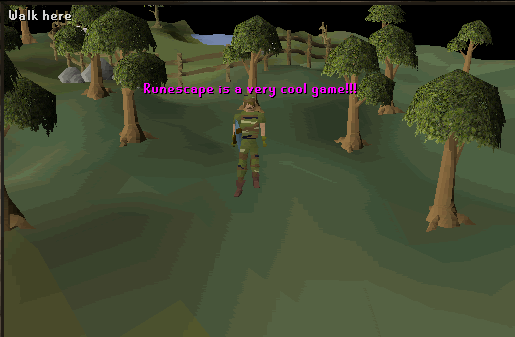
Red
Turns your font red.
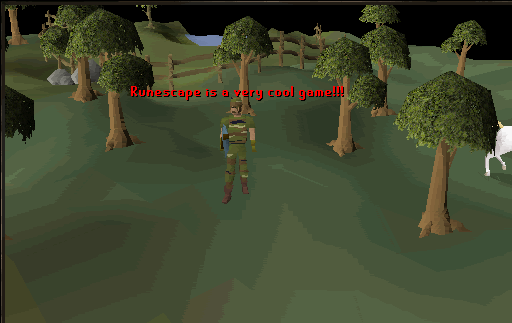
White
Turns your font white. The picture has been distored to reduce file size for quicker loading. I recommend this for merchanting.
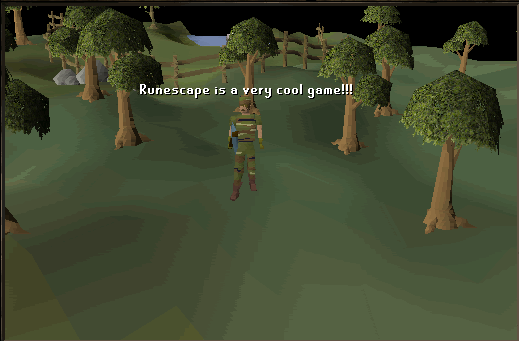
Yellow
Does nothing to your font except makes you type more!
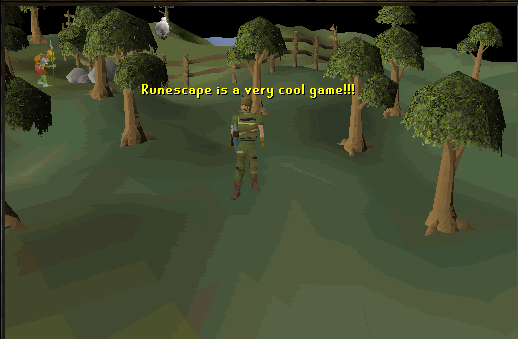
Flash1
Makes your font quickly flash between yellow and red.
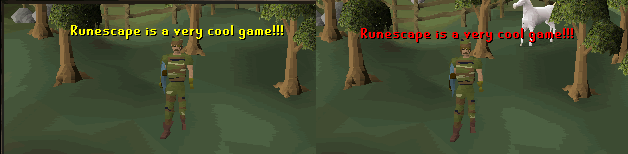
Flash2
Makes your font quickly flash between blue and cyan.
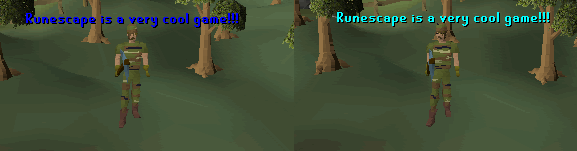
Flash3
Makes your font quickly flash between white and green.
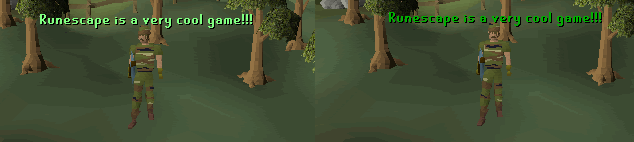
Glow1
Makes your font fade into yellow, green, red, and cyan.
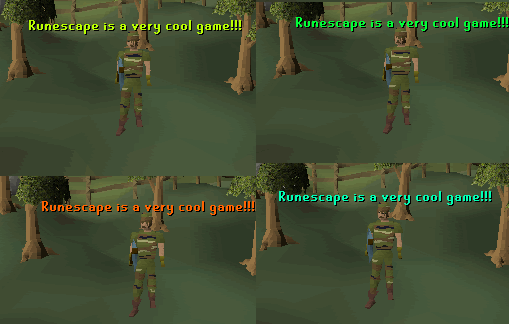
Glow2
Makes your font fade into many shades of red.
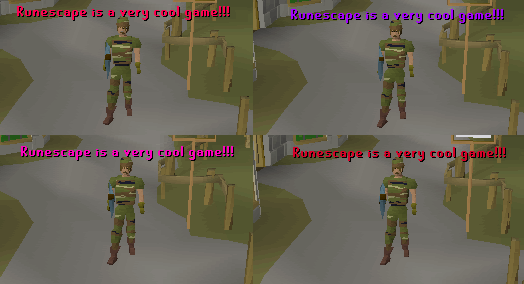
Glow3
Makes your font fade into four light colors.
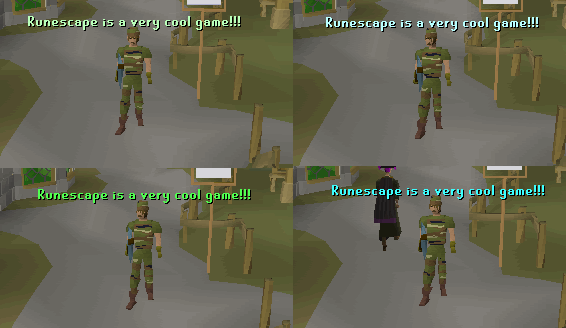
Scroll
Makes your font scroll from right to left across the screen. (It is a bit like the words movement above.)
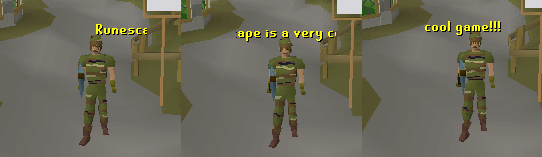
Shake
Makes your words shake really quickly.
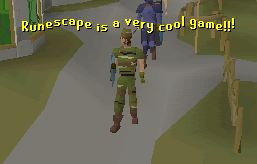
Slide
Your words fall down from the top, stop at the middle, then fall off screen.

Wave
Makes your font wavy!
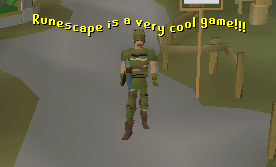
Wave2
Makes your font even more wavy!
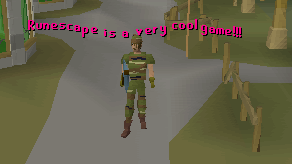
Combo
This is glow2 and wave2. If you were doing this you would type glow2:wave2:blah blah blah.
Back to Jake's RuneScape main page.
All images on this page are property of Jagex Ltd. Copyright© 1999 - 2007
The font on this page is property of Jake Westling. Copyright© 2007